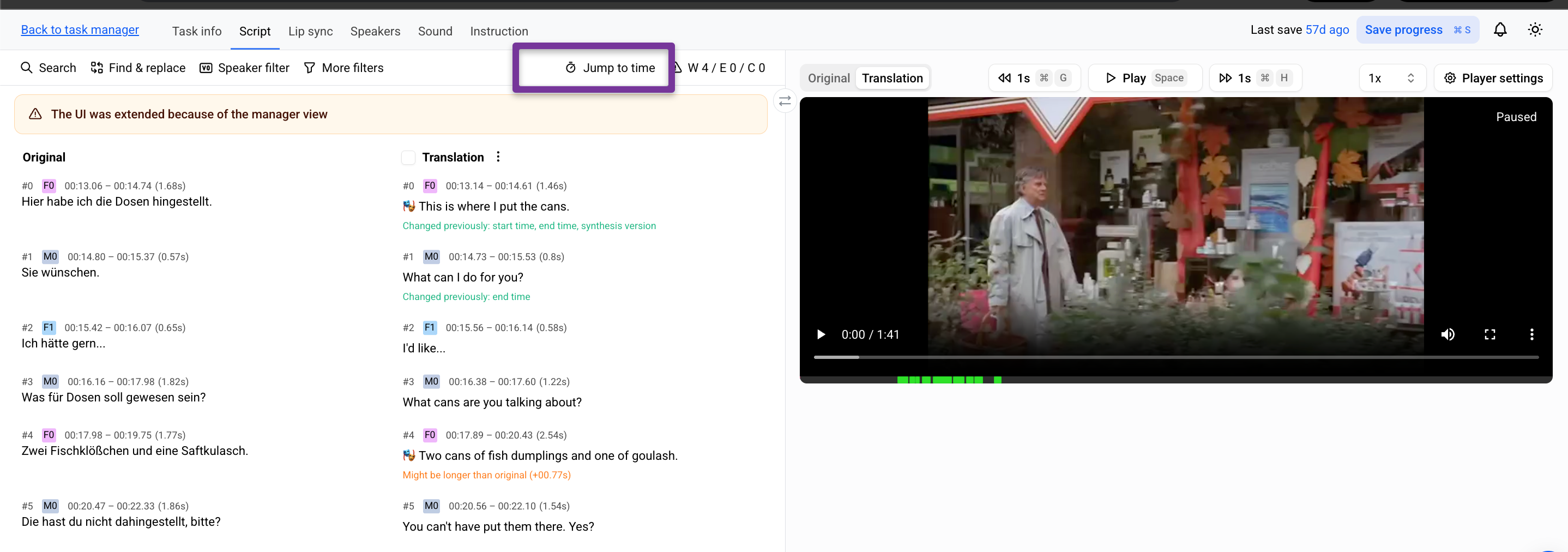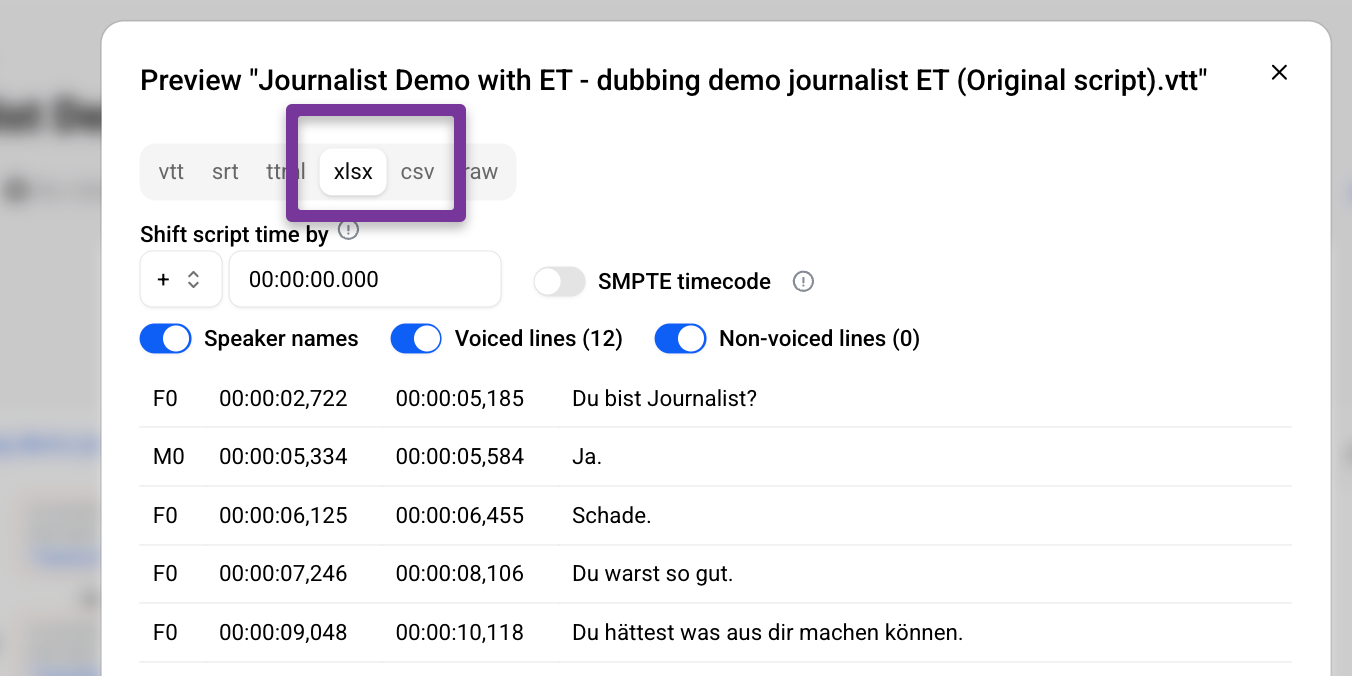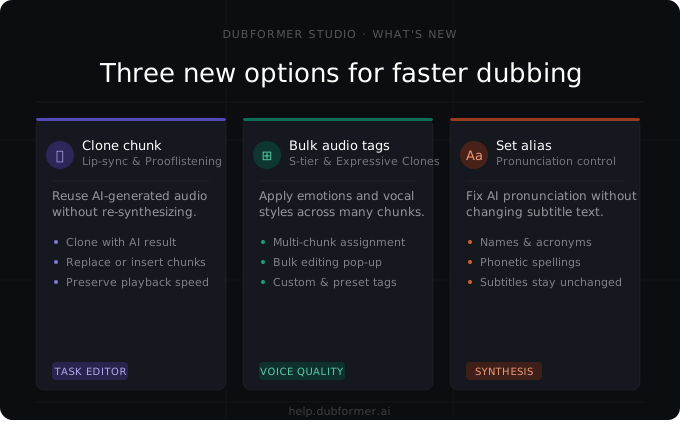
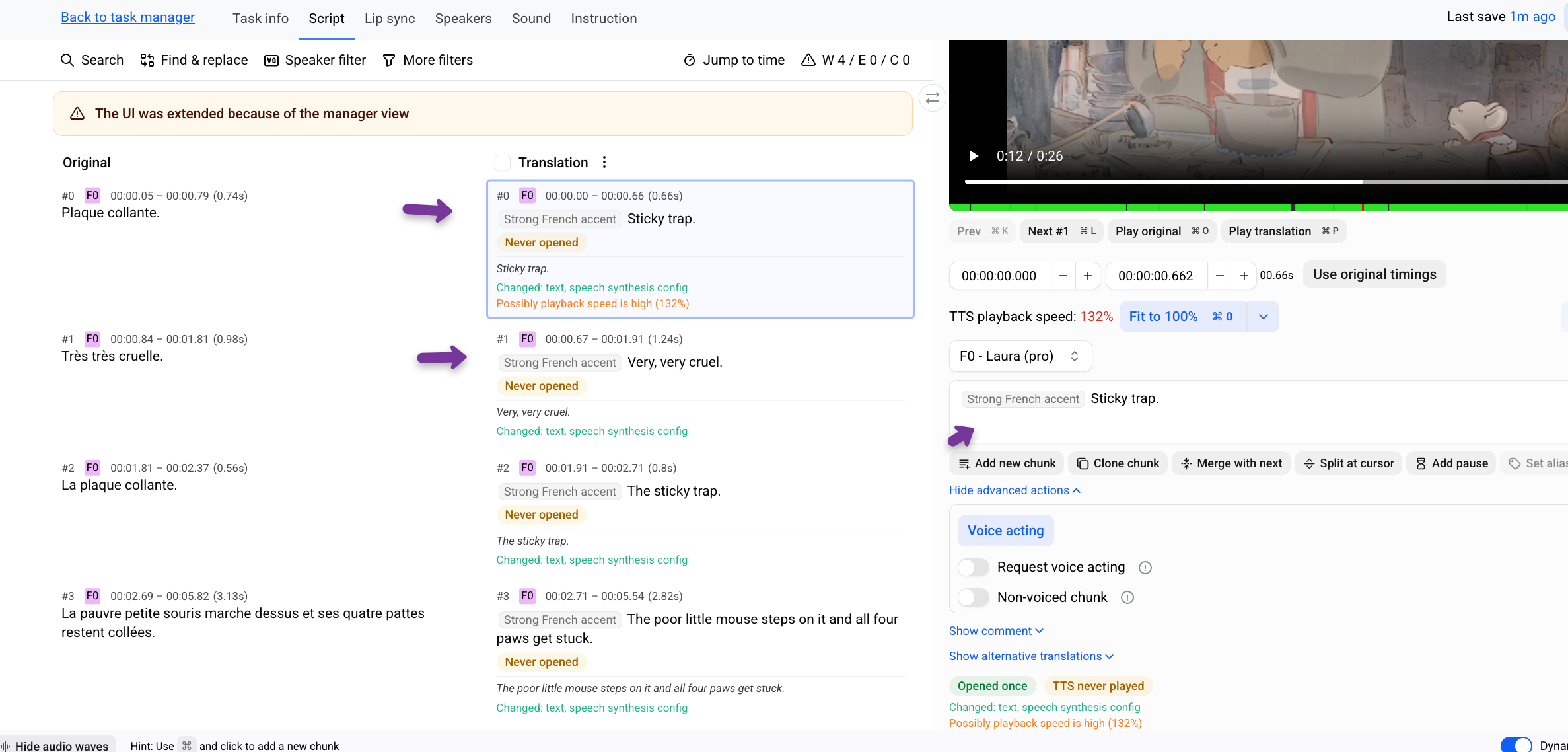
A new Clone chunk action is now available in Lip-sync and Prooflistening tasks.
Reuse AI-generated result without recreating it from scratch — useful for repeated lines, flashbacks, or scenes that require identical delivery.
What’s new
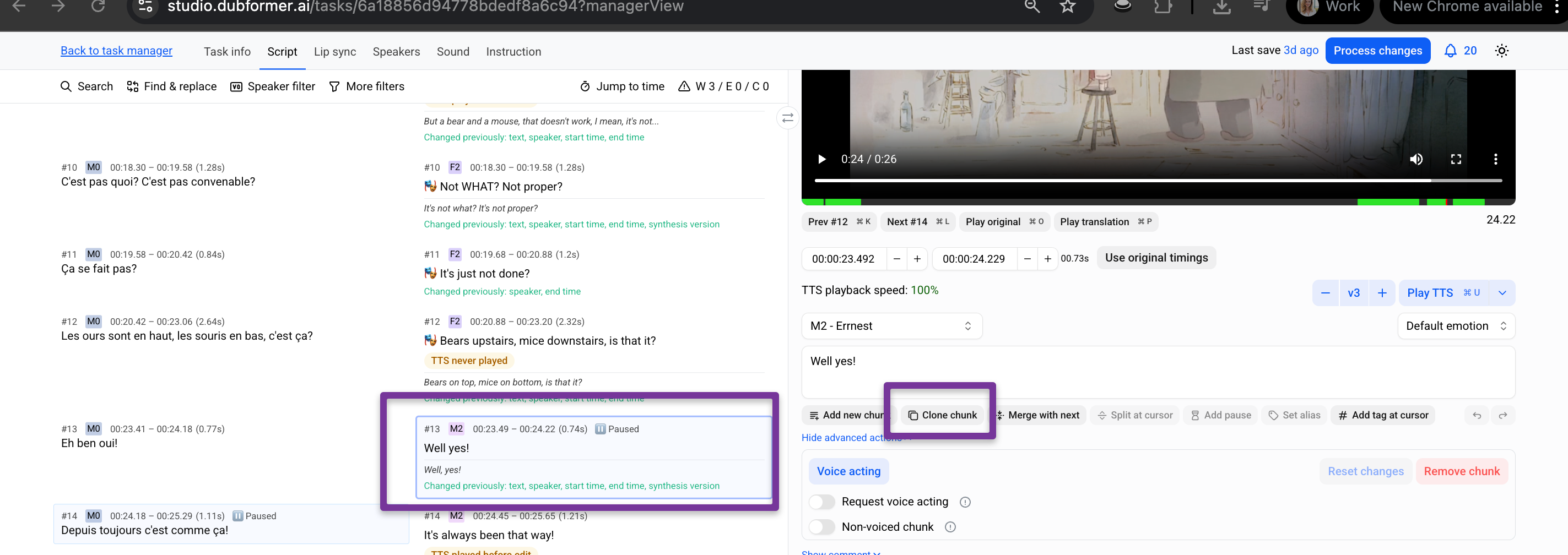
Clone a chunk with its AI-generated result
Replace another chunk with the cloned version
Or insert the cloned chunk as a new chunk
Keep the same playback speed and synthesis characteristics
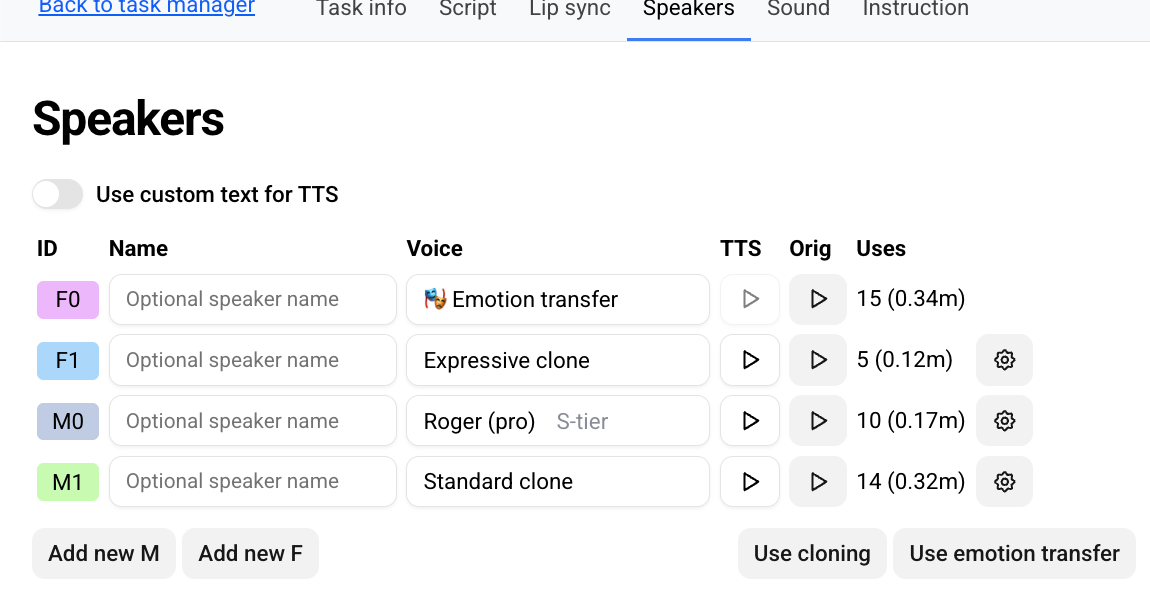
Bulk Audio Tags for S-tier Voices and Expressive Clones
Managing emotional delivery across multiple chunks just got faster.
Audio Tags now support bulk assignment for S-tier voices and Expressive Clones, making it easier to apply emotions, pauses, vocal styles, and sound effects at scale.
What’s new
Apply Audio Tags to multiple chunks at once
New bulk editing pop-up for faster tag assignment
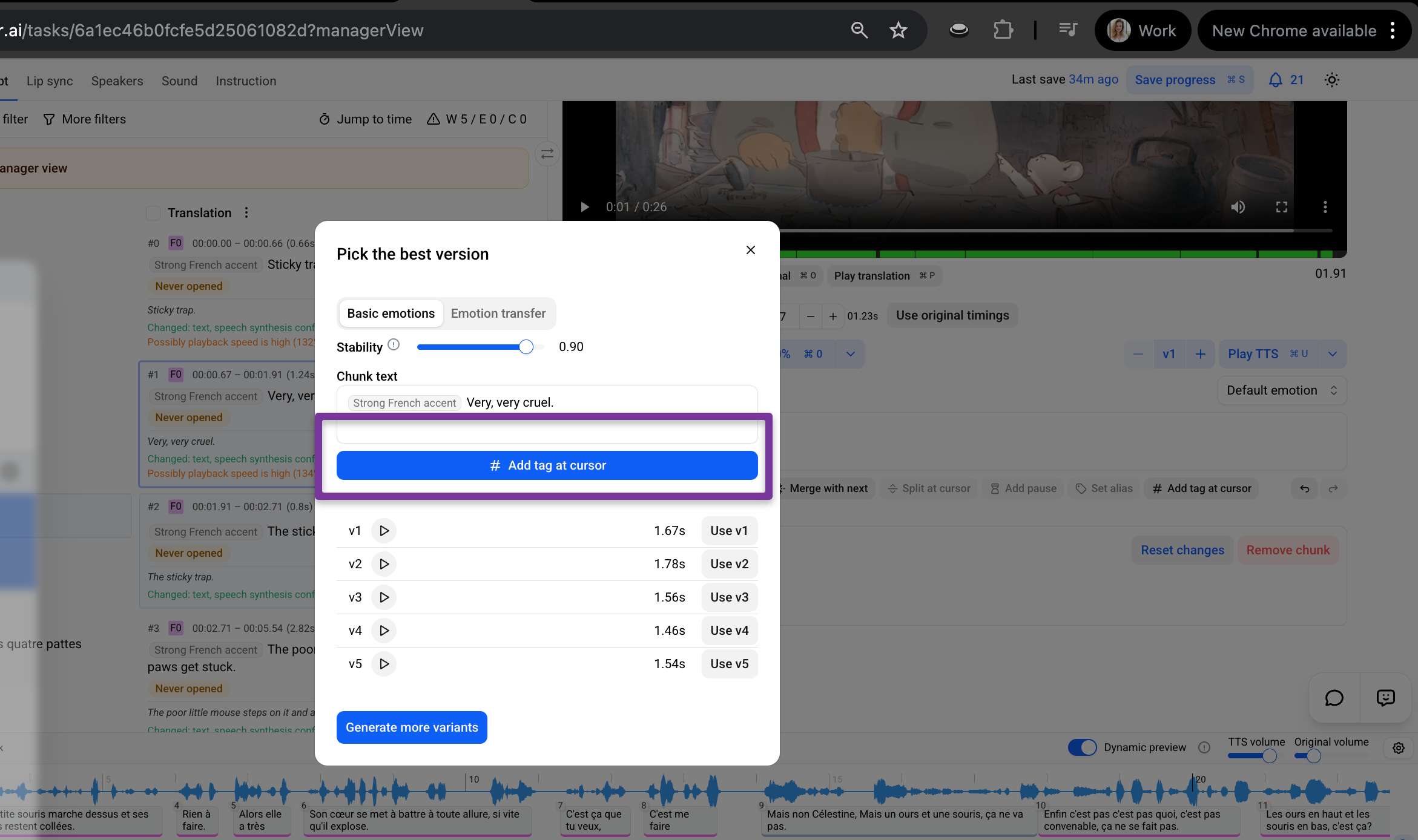
Support for custom tags and predefined suggestions
Why it matters
Audio Tags help shape AI-generated performances with emotions, pauses, whispers, laughter, accents, and more. Bulk assignment makes it much easier to maintain consistent delivery across scenes, dialogues, reactions, or character moments.
Read more
Improve AI Pronunciation Without Changing Subtitle Text
New Set Alias support makes it possible to customize AI pronunciation while keeping subtitle text unchanged.
Use Alias when a word needs different spelling, punctuation, capitalization, or phonetic formatting to sound more natural in AI dubbing.
Why it matters
Keep subtitles clean and grammatically correct while improving pronunciation for:
names
acronyms
abbreviations
emphasized phrases
phonetic spellings
How it works
In a Prooflistening or Lip-sync task:
Select text inside a chunk
Click Set alias
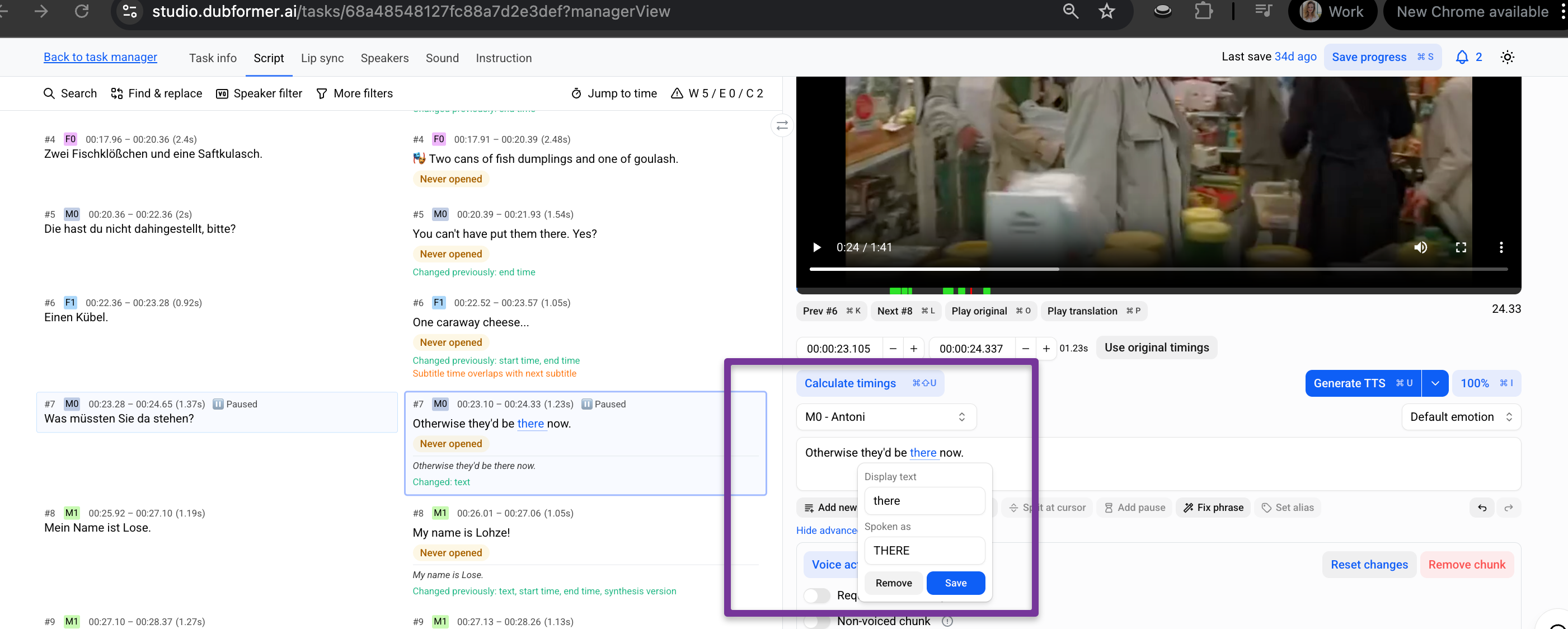
Enter the spoken version for AI speech generation
The original subtitle text remains unchanged, while the alias is used for synthesis.